
This is a multi-step guide to walk you through downloading Mmojo Server and a model file, running them, and connecting to them in your web browser. Please complete the tasks on this page, then continue to the next step using the link at the bottom.
Need help? Buy a 30 minute Zoom session with Brad. US$50 — PayPal.
Open Mmojo Complete in your Web Browser
Double-click the “Mmojo Complete.html” file in the Mmojo-Server-ape directory in your file manager. Sorry about this Windows screenshot — I will fix it soon.
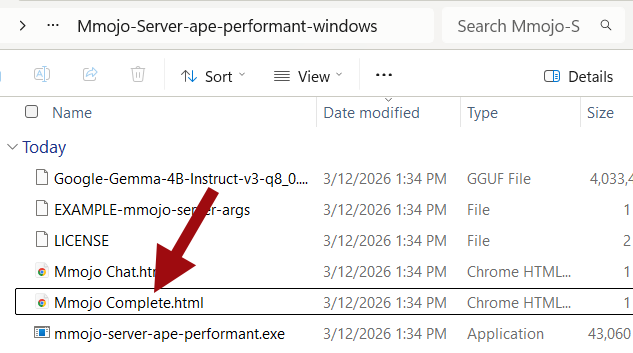
Your web browser should open and display the Mmojo Complete user interface.
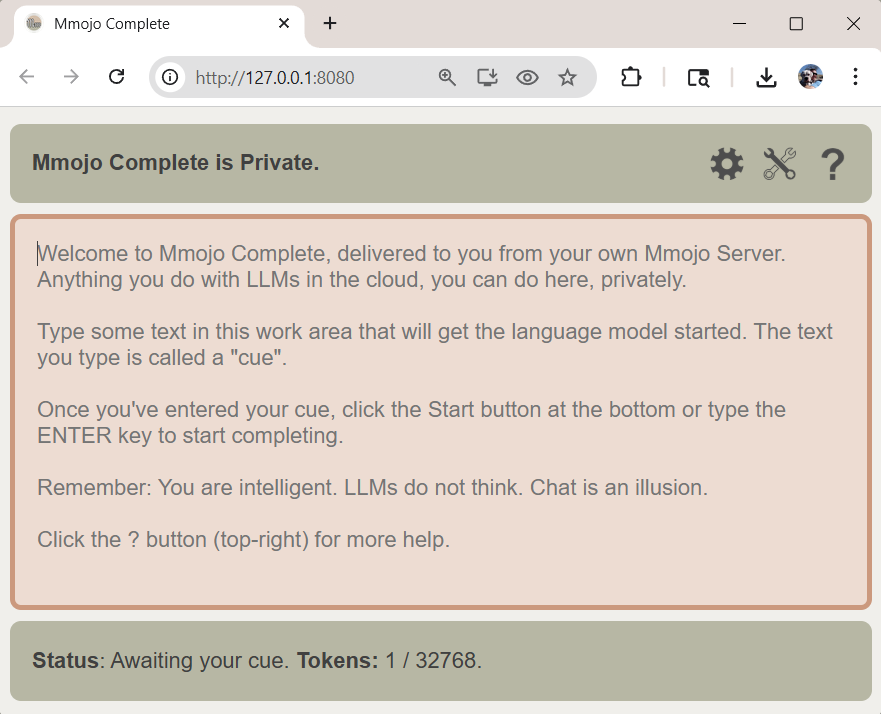
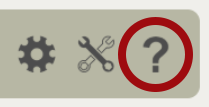
- Follow the instructions In Mmojo Complete. Click the Help (“?”) icon top right for a comprehensive guide.
- Bookmark Mmojo Complete so you can get it to it easier later.
Proceed:
- Next: Step 5: Stop Mmojo Server — Linux.
- Previous: Step 3: Start Mmojo Server — Linux.