
This is a multi-step guide to walk you through downloading Mmojo Server and a model file, running them, and connecting to them in your web browser. Please complete the tasks on this page, then continue to the next step using the link at the bottom.
Need help? Buy a 30 minute Zoom session with Brad. US$50 — PayPal.
Start Mmojo Server
- Navigate into the folder you just extracted.
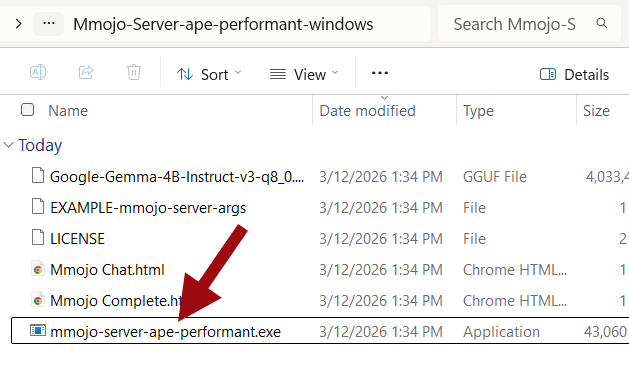
- Double-click the “mmojo-server-ape-performant.exe” executable file.
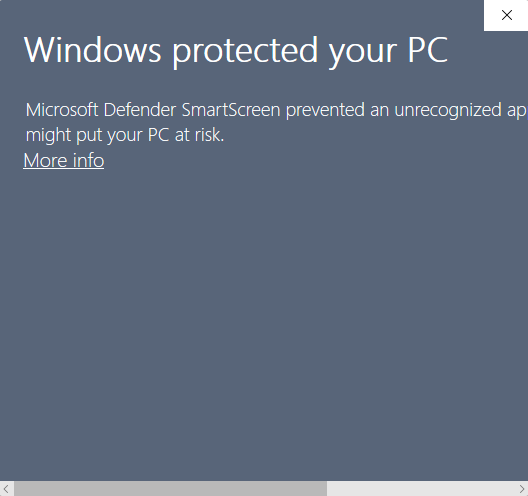
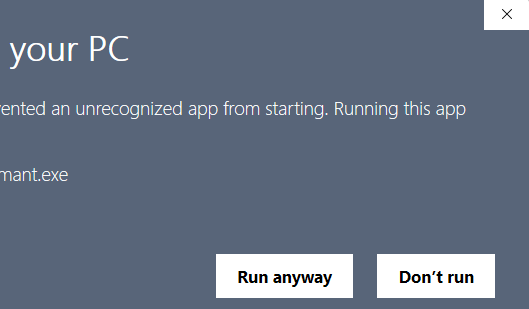
- You will see a security warning. Click the “More info” link, scroll right if needed, then click the “Run anyway” button.
- A Terminal window will open and you will see diagnostic output from Mmojo Server.
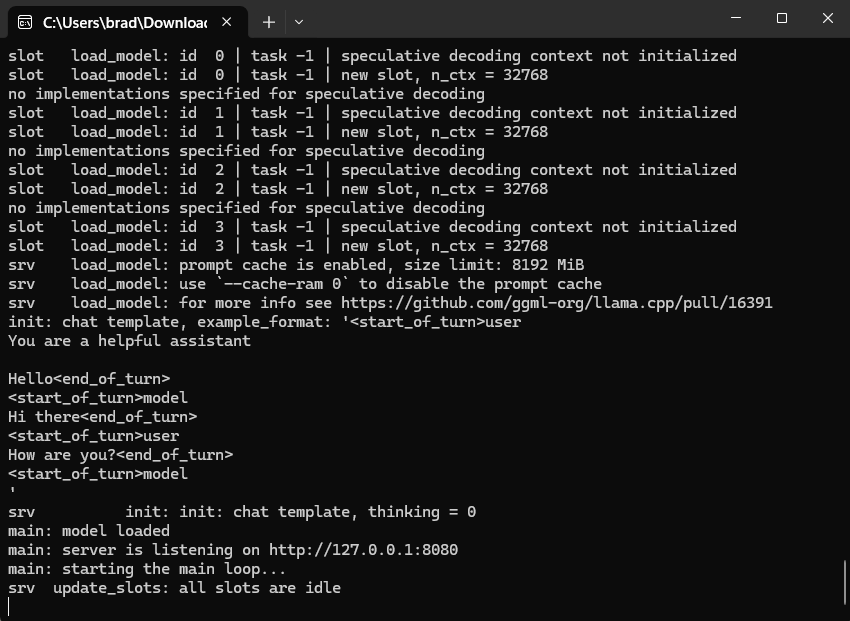
- If the diagnostic output stops with a mention of an illegal instruction or the Terminal window just closes after a few moments, you need to try the compatible executable file. Go back to Step 1, download the “APE Compatible” file, and proceed from there.
Now, your Mmojo Server is ready to use!