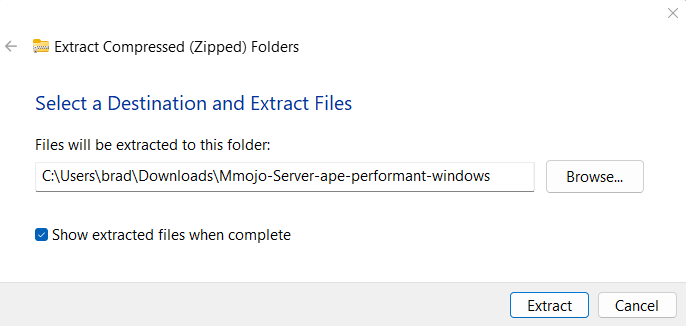
This is a multi-step guide to walk you through downloading Mmojo Server and a model file, running them, and connecting to them in your web browser. Please complete the tasks on this page, then continue to the next step using the link at the bottom.
Need help? Buy a 30 minute Zoom session with Brad. US$50 — PayPal.
Find the Mmojo Server Software
On your browser’s Download page, find “Mmojo-Server-ape-performant-windows.zip” and click its folder icon.
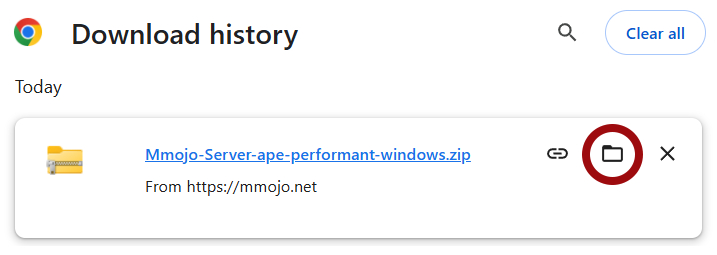
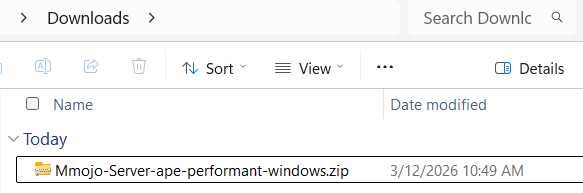
That will open the Downloads folder on your PC.
Expand the Mmojo Server Software
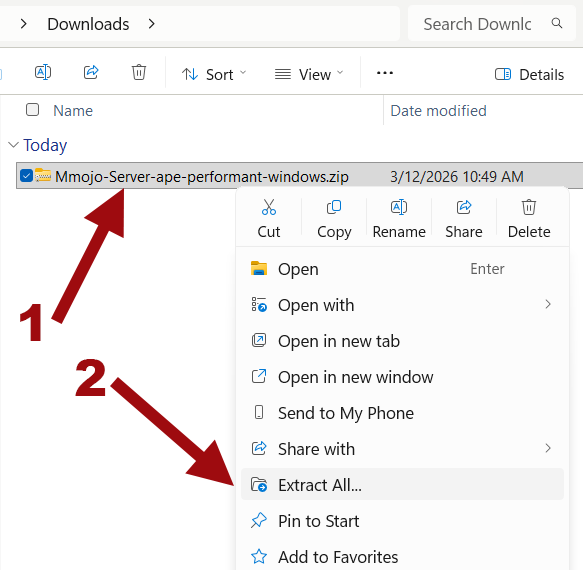
- Find the “Mmojo-Server-ape-compatible-windows.zip” file in your Downloads folder.
- Right-click, choose “Extract All…”.
- I suggest extracting it into your Downloads folder and moving it to a permanent location later.