
This is a multi-step guide to walk you through downloading Mmojo Server and a model file, running them, and connecting to them in your web browser. Please complete the tasks on this page, then continue to the next step using the link at the bottom.
Need help? Buy a 30 minute Zoom session with Brad. US$50 — PayPal.
Download Mmojo Server

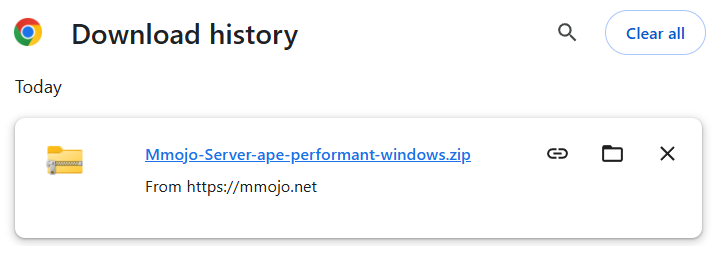
Click the link below to download Mmojo Server “APE Performant” for Windows 10/11. It will run on computers with x86_64 or arm64 CPUs. The .zip file contains the Google Gemma 4B v3 model file.
The file should appear on your web browser’s Downloads page and in your file system’s Downloads folder. If you’re not familiar with how those work, get help from someone you trust who does.
That One Didn’t Work!
If you later find that the “APE Performant” download didn’t work for you, I have a fallback plan. Download this more compatible Mmojo Server “APE Compatible” for Windows 10/11. The .zip file contains the smaller Google Gemma 1B v3 model file. It should work with your older computer.
Proceed:
- Next: Step 2. Expand Downloaded Archive — Windows 10/11.
- Previous: Get Mmojo Server.